Best all-around workday pick
Vivobook Go 14 E1404F
ASUS
Why it made the list: It is built around predictable productivity rather than specialized creative or gaming performance.
Reviewed July 23, 2026Picks unchanged since Jul 22, 2026
How we rankBest Business Laptops Under $1,500 is really about balancing price, performance, and how much headroom you get for the money. This list leans into under $1,500, 16 GB of RAM or more, and 512 GB of storage or more so you can compare the laptops that actually fit the brief. Use it as a shortlist, then narrow further inside FilterKilter once you know which tradeoffs matter most to you.
Best Business Laptops Under $1,500 is for buyers comparing under $1,500, 16 GB of RAM or more, and 512 GB of storage or more. The hard part is separating meaningful specs from nice-looking extras, so this guide ranks live catalog picks by price, performance, and how much headroom you get for the money.
Affiliate disclosure: Links to retailers on this page are affiliate links. If you buy after clicking one, we may earn a commission at no extra cost to you. Commissions do not influence which laptops we rank or in what order. See our full Affiliate Disclosure.
Data & accuracy: Rankings are based on publisher specifications, retailer pricing snapshots, and published system requirements. We do not physically test every laptop listed, and prices, configurations, and availability change frequently. Always confirm the exact configuration and final price on the retailer’s site before buying. See our full methodology →
Informational only: Content on this site is provided for informational purposes and is not professional, financial, or technical advice. Use your own judgment when making a purchase.
Best all-around workday pick
ASUS
Why it made the list: It is built around predictable productivity rather than specialized creative or gaming performance.
2Image: Amazon · Affiliate link
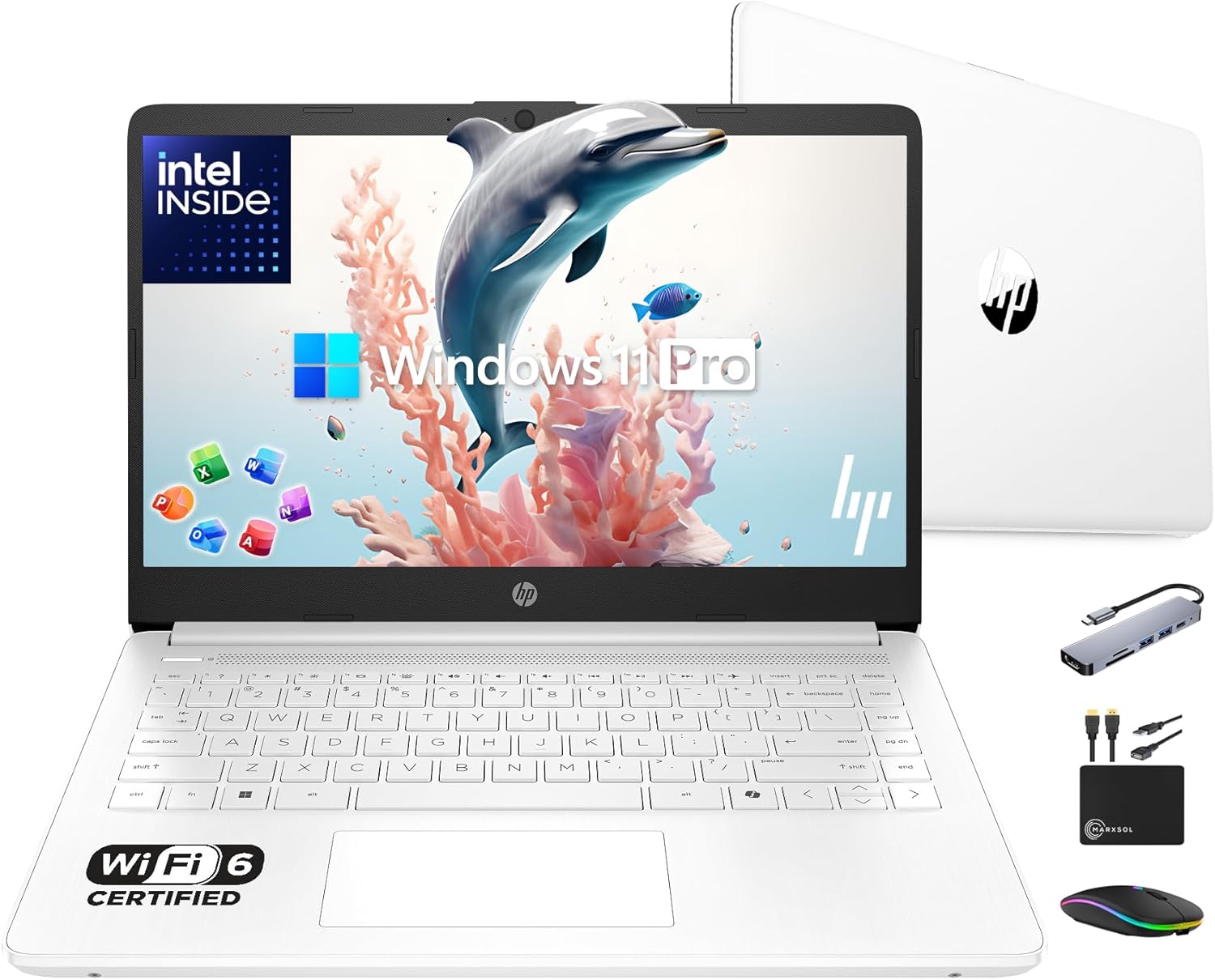
Well-rounded pick
HP
Why it made the list: It earns its place for people whose workload is mostly docs, decks, and meetings, with the occasional screenshare. Having 16GB of RAM keeps this from feeling like a short-life budget spec once multitasking gets messy. The processor choice matters: an entry-level processor keeps the pick aligned with the guide instead of relying only on RAM or storage to carry the value case.
3Image: Amazon · Affiliate link
Well-rounded pick
HP
Why it made the list: The natural buyer is someone who wants a dependable office machine first and a spec showcase second. A 3.2-pound chassis strikes the workable middle ground between take-anywhere thin-and-lights and heftier 15-inch boxes. A 14" footprint keeps it firmly on the portable side of the portability-vs-workspace tradeoff.
4Image: Amazon · Affiliate link
Best premium feel
Microsoft
Why it made the list: The right buyer is someone who lives in email, spreadsheets, video calls, and VPNs rather than in render queues. Skip it if portability is the priority. That is the catch. Compare closely.
Best for split-screen work
ASUS
Why it made the list: It suits meeting-heavy, document-heavy days better than the more niche gaming or creator picks on the page. Treat it as a comparison pick first: 3.6-pound weight is the part that should decide whether it belongs above a cleaner-looking alternative. Vivobook Go 15 Oled E1504F keeps the fifth slot because Vivobook identity plus $450 street price gives this listing a specific job in the lineup.
6Image: Amazon · Affiliate link
Best for split-screen work
Dell
Why it made the list: It fits the kind of workday where keyboard comfort, calls, files, and browser tabs matter more than headline benchmarks. The 16GB RAM spec is the part that keeps it usable beyond the lightest browser-only routine.
Best for split-screen work
Dell
Why it made the list: For the seventh pick, Dell 16 Laptop leans on 4.7-pound weight plus 16GB memory with 512GB storage instead of a generic value argument. Dell 16 Laptop is here for a narrower reason: 4.7-pound weight plus 16GB memory with 512GB storage fits the guide better than another interchangeable spec sheet. The useful distinction on Dell 16 Laptop is 4.7-pound weight plus 16GB memory with 512GB storage, which keeps it from reading like filler.
8Image: Amazon · Affiliate link
Best for split-screen work
Lenovo
Why it made the list: At 3.5 pounds it lands in honest backpack territory. It is not the featherweight of the group, but nothing you will dread carrying either. Its a Ryzen 7-class processor gives the rest of the spec sheet a solid base, especially when multitasking or heavier apps enter the picture. Skip it if a smaller, lighter machine would solve the same job. That is the catch. Compare closely.
Best for split-screen work
Acer
Why it made the list: Keep it in the mix if the multitasking-screen pick is closer to your needs than a flashier top pick. Memory is not the bottleneck here. 16GB gives it enough room for normal work, school, and light creative overlap.
10Image: Amazon · Affiliate link
Best for split-screen work
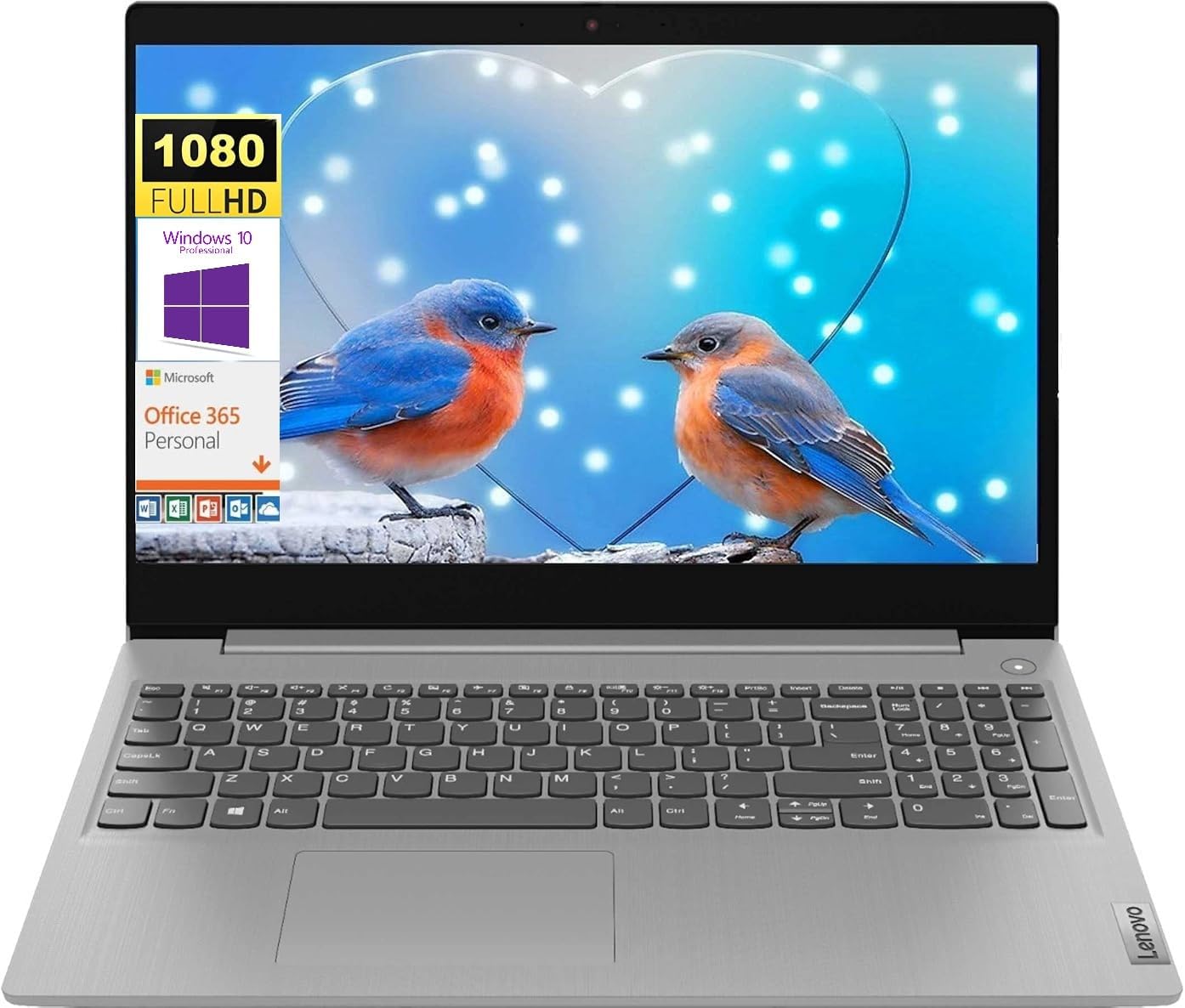
Lenovo
Why it made the list: The 15.6" screen gives it more working area than the 13-14" crowd, at the cost of being slightly more of an event to carry. The reason to keep it on the shortlist is narrow but real: AMD Ryzen 3 3250U gives it a specific lane when the surrounding picks start to blur together.
Use this guide as the shortlist, then refine by price, RAM, GPU, battery life, weight, display size, and software requirements inside the full FilterKilter tool.
Open FilterKilter — Full Filtering & Sorting Tool →Start with the non-negotiables for this kind of business pro: performance, portability, display size, and price. Once those are aligned, compare smaller quality-of-life details like ports, keyboard feel, battery life, and thermals.
16 GB is the practical baseline here because it gives you enough headroom for multitasking and keeps the laptop from feeling cramped too quickly.
Usually not. Integrated graphics is enough for web work, office tasks, schoolwork, and general productivity. Pay for a dedicated GPU only if you know your workload will use it.
Dropbox Inc.. Official Dropbox Inc. requirements for Dropbox; the recommended tier calls for 4 GB RAM and 2 CPU cores, informing this guide's memory and processor thresholds. Accessed 2026-06-08.
Microsoft. Official Microsoft requirements for Microsoft Teams; the recommended tier calls for 8 GB RAM and 4 CPU cores, informing this guide's memory and processor thresholds. Accessed 2026-06-08.
Microsoft Support. Office and Microsoft 365 compatibility context for school, work, and productivity picks. Accessed 2026-05-21.
Zoom Support. Video-meeting requirements used for student, remote-work, and business recommendations. Accessed 2026-05-21.
Microsoft Learn. Meeting and collaboration requirements for remote work and business guides. Accessed 2026-05-21.
Microsoft Support. Baseline Windows hardware requirements used when judging everyday Windows laptops. Accessed 2026-05-21.
FilterKilter scores every laptop in its catalog against official publisher system requirements. Open any title below for its minimum, recommended, and optimal specs — plus a live list of laptops that meet them.