Best Laptops for Business Students

By the FilterKilter Editorial Team

Reviewed July 23, 2026Picks unchanged since Jul 22, 2026

How we rank

Best Laptops for Business Students is really about balancing portability, build quality, and keyboard comfort. This list leans into under $1,300, 16 GB of RAM or more, 512 GB of storage or more, and a carry weight under 4 lb so you can compare the laptops that actually fit the brief. Use it as a shortlist, then narrow further inside FilterKilter once you know which tradeoffs matter most to you.

What to Look For

  • Set your budget first and treat under $1,300 as a hard constraint so you do not compare laptops that solve different problems.
  • Aim for at least 16 GB of RAM here so the laptop still feels comfortable once you add browser tabs, meetings, and background apps.
  • Storage fills up faster than buyers expect, so treat 512 GB as a practical floor once apps, media, SDKs, or project files start to accumulate.
  • If portability is part of the brief, keep the weight around 4 lb or less and make sure the charger is not oversized enough to cancel out the benefit.
  • Prioritize SSD storage, a current-generation processor, and the ports you actually use before paying extra for cosmetic upgrades.

How We Chose

Best Laptops for Business Students is for buyers comparing under $1,300, 16 GB of RAM or more, and 512 GB of storage or more. The hard part is separating meaningful specs from nice-looking extras, so this guide ranks live catalog picks by portability, build quality, and keyboard comfort.

  • 1Each pick must match the guide brief: under $1,300, 16 GB of RAM or more, 512 GB of storage or more, and a carry weight under 4 lb.
  • 2The generator sorts matching laptops by overall FilterKilter rating first and applies a per-brand cap so one lineup does not crowd out the page.
  • 3The price ceiling is enforced from the slug and the product data, so an "under $1,300" guide cannot include over-budget picks.
  • 4RAM and SSD capacity are treated as practical ownership factors, not just spec-sheet decoration.
  • 5Portability and battery life can break ties because they change how the laptop feels after the first week.

Our Top Picks

Affiliate disclosure: Links to retailers on this page are affiliate links. If you buy after clicking one, we may earn a commission at no extra cost to you. Commissions do not influence which laptops we rank or in what order. See our full Affiliate Disclosure.

Data & accuracy: Rankings are based on publisher specifications, retailer pricing snapshots, and published system requirements. We do not physically test every laptop listed, and prices, configurations, and availability change frequently. Always confirm the exact configuration and final price on the retailer’s site before buying. See our full methodology →

Informational only: Content on this site is provided for informational purposes and is not professional, financial, or technical advice. Use your own judgment when making a purchase.

Best for most students

Vivobook Go 14 E1404F

ASUS

16 GB RAM512 GB StorageAMD Ryzen™ 5 7520U Processor 2.8GHz (6MB Cache, up to 4.3GHz, 4 cores, 8 Threads) AMD Ryzen™ 3 7320U Processor 2.4GHz (6MB Cache, up to 4.1GHz, 4 cores, 8 Threads)
$229.99

Why it made the list: The right buyer is someone who lives in email, spreadsheets, video calls, and VPNs rather than in render queues. 16GB of RAM lands in the current sweet spot: enough for real multitasking without pushing the price up the way 32GB configurations tend to.

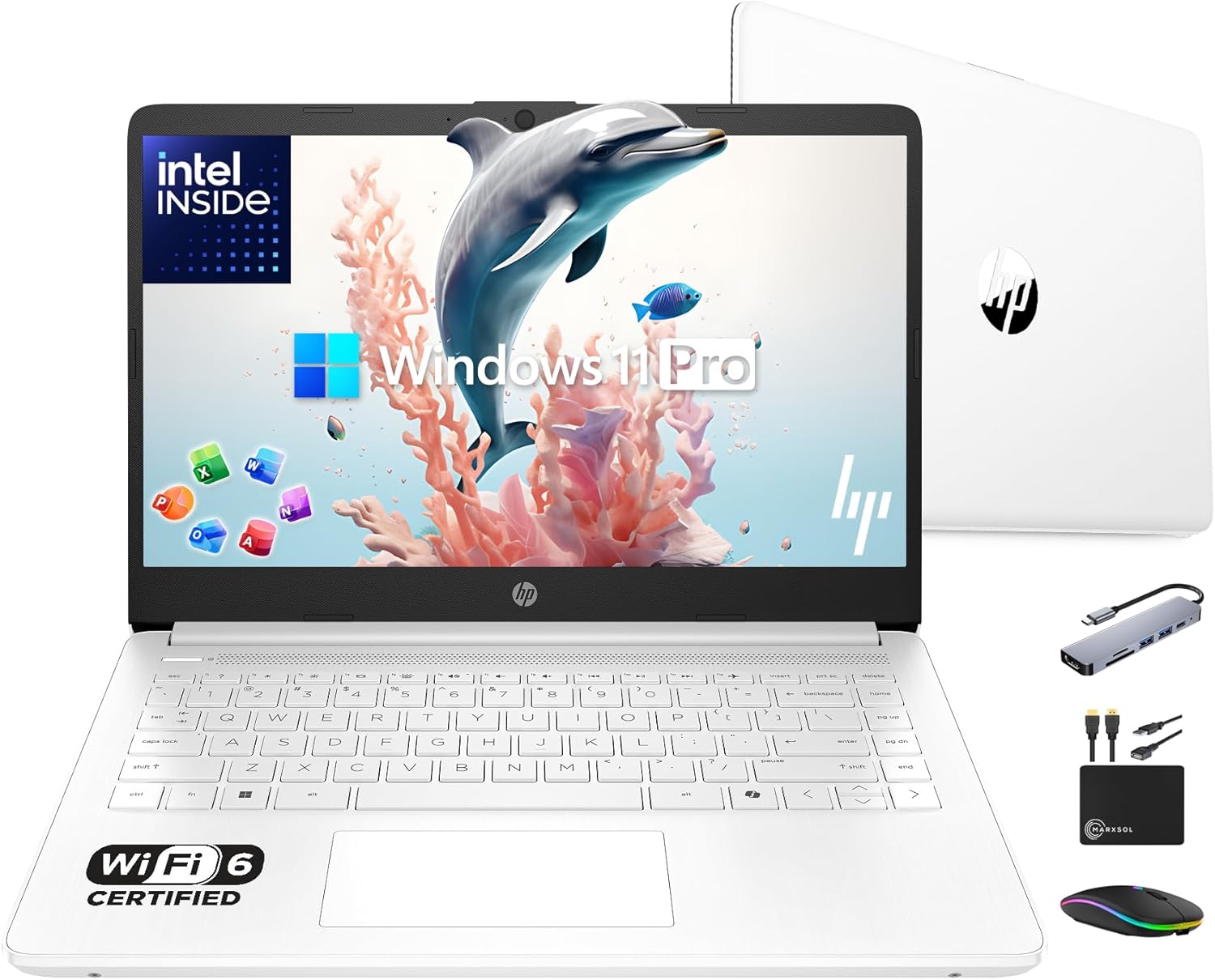
HP 14” Flagship Laptop 2025 AI-Powered Computer2

Image: Amazon · Affiliate link

Well-rounded pick

HP 14” Flagship Laptop 2025 AI-Powered Computer, Office Lifetime, Student Business, 4-Core Intel CPU, 16GB RAM 628GB…

HP

16 GB RAM628 GB StorageIntel N15014"9 hr battery
$369

Why it made the list: It suits meeting-heavy, document-heavy days better than the more niche gaming or creator picks on the page. Cost control is part of the appeal here: it keeps the essentials in reach instead of drifting toward nicer but less necessary upgrades. On the CPU side it relies on an entry-level processor, which is a more honest match for this use case than the vague minimum-tier chips that show up in weaker budget laptops.

HP 14" Laptop Thin and Light for 2026 Student Business with3

Image: Amazon · Affiliate link

Well-rounded pick

HP 14" Laptop Thin and Light for 2026 Student Business with Office Suite, Copilot AI, Intel CPU Up to 2.8GHz, 16GB RAM…

HP

16 GB RAM628 GB StorageIntel Celeron N450014"
$369

Why it made the list: It earns its place for people whose workload is mostly docs, decks, and meetings, with the occasional screenshare. At 3.2 pounds it lands in honest backpack territory. It is not the featherweight of the group, but nothing you will dread carrying either. At 14" the screen is compact, which keeps the chassis small enough to live in a backpack without feeling like homework. The configuration to notice is an entry-level processor, 16GB RAM, 628GB SSD, which gives this specific pick its place at #3.

Best for split-screen work

Vivobook Go 15 Oled E1504F

ASUS

16 GB RAM1 TB StorageAMD Ryzen™ Athlon Gold 7220U Processor 2.4GHz (5MB Cache, up to 3.7 GHz, 2 cores, 4 Threads) AMD Ryzen™ 5 7520U Processor 2.8GHz (6MB Cache, up to 4.3GHz, 4 cores, 8 Threads) AMD Ryzen™ 3 7320U Processor 2.4GHz (6MB Cache, up to 4.1GHz, 4 cores, 8 Threads)15.6"
$449.99

Why it made the list: Its case on this list is that it works as the multitasking-screen pick. It fits the kind of workday where keyboard comfort, calls, files, and browser tabs matter more than headline benchmarks. A 3.6-pound chassis strikes the workable middle ground between take-anywhere thin-and-lights and heftier 15-inch boxes. Running 15.6" of screen makes multitasking less cramped, which is usually what people actually notice day to day. Skip it if you need one obvious headline spec. That is the catch. Compare closely.

Lenovo IdeaPad Slim 3 15.6" Full HD Touchscreen Laptop5

Image: Amazon · Affiliate link

Best for all-day battery

Lenovo IdeaPad Slim 3 15.6" Full HD Touchscreen Laptop – AMD Ryzen 7 5825U, 16GB Memory, 512GB SSD, Arctic Grey

Lenovo

16 GB RAM512 GB StorageAMD Ryzen 7 5825U15.6"10 hr battery
$599.99

Why it made the list: It earns its slot by covering the role of the battery-first alternative. The natural buyer is someone who wants a dependable office machine first and a spec showcase second. Battery life is the headline: at roughly 10 hours on the spec sheet, it is built to outlast an entire class day before it needs an outlet. Memory is not the bottleneck here. 16GB gives it enough room for normal work, school, and light creative overlap. The reason to keep it on the shortlist is narrow but real: 15.6" screen size gives it a specific lane when the surrounding picks start to blur together.

Best for split-screen work

Acer Aspire Go 15 Laptop - AG15-71P-59PZ

Acer

16 GB RAM512 GB StorageIntel® UHD Graphics shared memory15.6"
$599.99

Why it made the list: The angle here is simple: the larger-display choice, plus the basics. It is built around predictable productivity rather than specialized creative or gaming performance. Having 16GB of RAM keeps this from feeling like a short-life budget spec once multitasking gets messy.

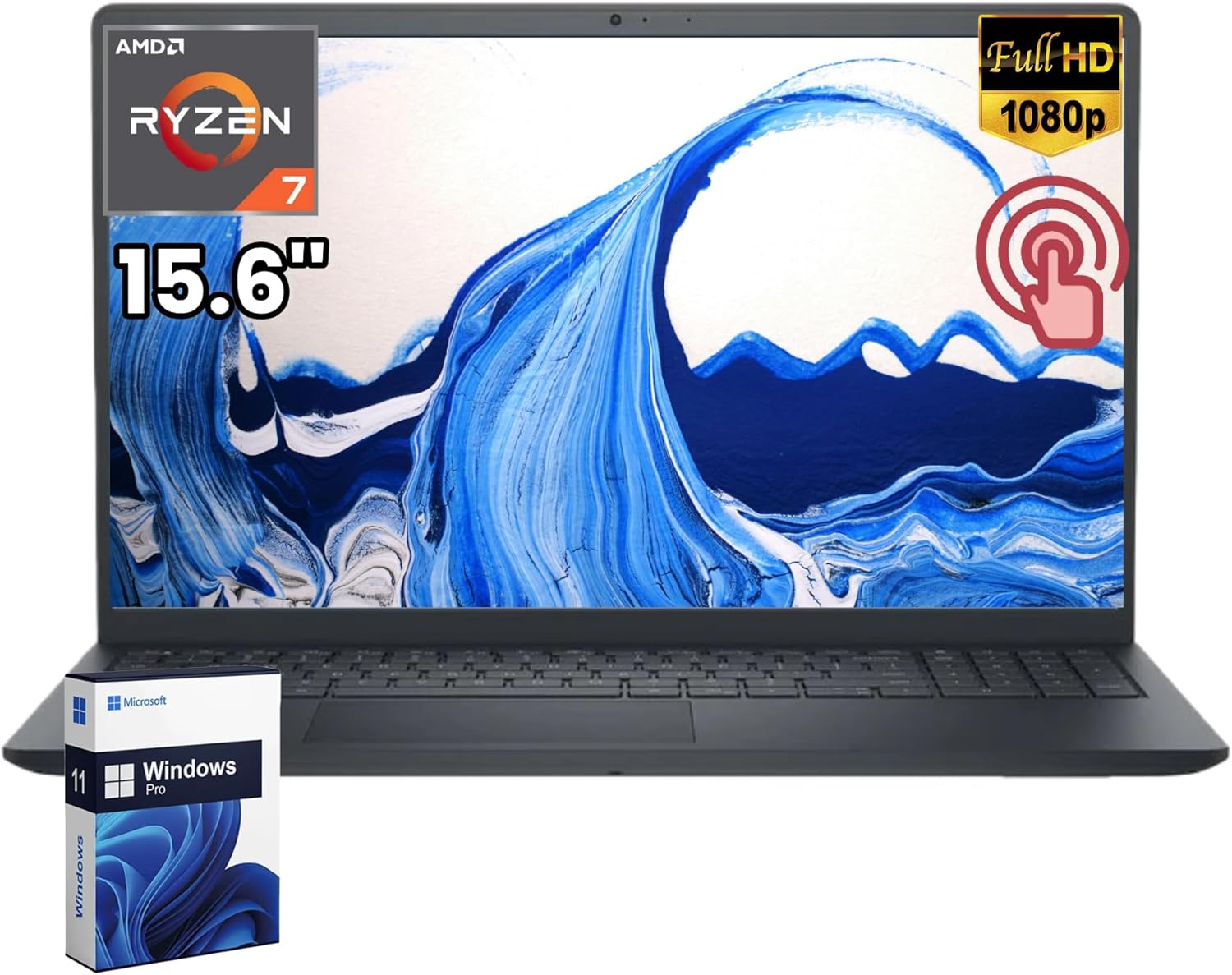
Dell 15 Touchscreen Laptop Computer7

Image: Amazon · Affiliate link

Best for split-screen work

Dell 15 Touchscreen Laptop Computer, AMD Ryzen 7 7730U (8 Cores), 16GB DDR4-3200MHz, 512GB SSD, 15.6" FHD Touch…

Dell

16 GB RAM512 GB StorageAMD Ryzen 7 7730U15.6"
$645

Why it made the list: It rounds out the lineup as the extra-workspace option, which is a lane the top picks do not fully claim. The 16GB RAM spec is the part that keeps it usable beyond the lightest browser-only routine. Compared with nearby picks, the useful details are a Ryzen 7-class processor, 16GB RAM, 512GB SSD rather than the brand name alone.

Best for split-screen work

Acer Aspire Vero 16 Laptop - AV16-51P-5641

Acer

16 GB RAM512 GB StorageIntel® Core™ Ultra 5 125U processor Dodeca-core16"
$649.99

Why it made the list: Reads as the desk-friendly screen upgrade more than a star attraction, which is exactly why it is useful alongside the flagships. The 16" display is the real story. It gives you noticeably more room for split-screen research, long writing sessions, or multitrack timelines than the 13- and 14-inch picks nearby. Skip it if the lowest possible price matters most. That is the catch. Compare closely.

Dell Inspiron Business Laptop 2025-2026 Flagship9

Image: Amazon · Affiliate link

Best for split-screen work

Dell Inspiron Business Laptop 2025-2026 Flagship, AI-Powered Computer, 15.6" FHD Touchscreen,10-Core Intel i5-1334U…

Dell

16 GB RAM1 TB StorageIntel Core i5-1334U15.6"9 hr battery
$659

Why it made the list: The 3.7-pound carry weight keeps it in practical everyday-bag range rather than pushing it toward desk-only duty. Storage is one of its quieter strengths: 1TB gives the configuration room to age without immediate cleanup chores. Dell Inspiron Business Laptop 2025-2026 Flagship, AI-Powered Computer, 15.6" FHD Touchscreen,10-Core Intel i5-1334U… keeps the ninth slot because 16GB memory with 1TB storage plus 3.7-pound weight gives this listing a specific job in the lineup.

Lenovo V15 Gen 4 Business Laptop10

Image: Amazon · Affiliate link

Best for split-screen work

Lenovo V15 Gen 4 Business Laptop, 15.6" FHD Display, Intel Core i5-13420H (Beat i7-1355U), HDMI, RJ45, Webcam, Numeric…

Lenovo

16 GB RAM512 GB StorageIntel Core i5-13420H15.6"
$659

Why it made the list: The 15.6" screen gives it more working area than the 13-14" crowd, at the cost of being slightly more of an event to carry. With 16GB onboard, it has the multitasking cushion that many cheaper 8GB configurations lack. Treat it as a comparison pick first: 15.6" screen size is the part that should decide whether it belongs above a cleaner-looking alternative.

Want More Control?

Use this guide as the shortlist, then refine by price, RAM, GPU, battery life, weight, display size, and software requirements inside the full FilterKilter tool.

Open FilterKilter — Full Filtering & Sorting Tool →

Frequently Asked Questions

What should you compare first in this category?

Start with the non-negotiables for this kind of student / educator: performance, portability, display size, and price. Once those are aligned, compare smaller quality-of-life details like ports, keyboard feel, battery life, and thermals.

How much RAM is enough?

16 GB is the practical baseline here because it gives you enough headroom for multitasking and keeps the laptop from feeling cramped too quickly.

Do you need a dedicated GPU for this kind of laptop?

Usually not. Integrated graphics is enough for web work, office tasks, schoolwork, and general productivity. Pay for a dedicated GPU only if you know your workload will use it.

Sources and Notes

Grammarly system requirements

Grammarly Inc.. Official Grammarly Inc. requirements for Grammarly; the recommended tier calls for 8 GB RAM and 4 CPU cores, informing this guide's memory and processor thresholds. Accessed 2026-06-08.

IBM SPSS Statistics system requirements

IBM. Official IBM requirements for IBM SPSS Statistics; the recommended tier calls for 8 GB RAM and 4 CPU cores, informing this guide's memory and processor thresholds. Accessed 2026-06-08.

R / RStudio system requirements

Posit. Official Posit requirements for R / RStudio; the recommended tier calls for 8 GB RAM and 4 CPU cores, informing this guide's memory and processor thresholds. Accessed 2026-06-08.

Microsoft 365 and Office resources

Microsoft Support. Office and Microsoft 365 compatibility context for school, work, and productivity picks. Accessed 2026-05-21.

Zoom system requirements

Zoom Support. Video-meeting requirements used for student, remote-work, and business recommendations. Accessed 2026-05-21.

Microsoft Teams client hardware requirements

Microsoft Learn. Meeting and collaboration requirements for remote work and business guides. Accessed 2026-05-21.

Windows 11 system requirements

Microsoft Support. Baseline Windows hardware requirements used when judging everyday Windows laptops. Accessed 2026-05-21.

Check Exact Software Requirements

FilterKilter scores every laptop in its catalog against official publisher system requirements. Open any title below for its minimum, recommended, and optimal specs — plus a live list of laptops that meet them.

Browse all software system requirements →

Browse All Laptop Buying GuidesClick to expand
← Browse all FilterKilter buying guides