Best Laptops Under $3,000

By the FilterKilter Editorial Team

Reviewed July 23, 2026Picks unchanged since Jul 20, 2026

How we rank

At $3,000 you have access to virtually any laptop on the market. Top-tier mobile workstations, flagship gaming rigs, and the most premium ultraportables all live in this tier. These picks are for buyers who want the best a laptop can offer without compromise.

What to Look For

  • Spec to your actual workload; there is no universal "best" at this price; the right pick depends on whether you value GPU power, display quality, portability, or battery life most.
  • 64 GB of RAM and 2 TB of SSD storage are realistic options here, useful for video, ML, and large-codebase development.
  • Top-end GPUs (RTX 4090 mobile) deliver high-end gaming performance, but throttle in thinner chassis; read sustained-performance reviews carefully.
  • OLED and mini-LED panels with 100% DCI-P3 coverage are standard. Color accuracy out of the box matters for creative work.
  • Warranty upgrades (3-year next-business-day on-site) are worth considering at this price point.

How We Chose

Best Laptops Under $3,000 is for buyers comparing under $3,000, 32 GB of RAM or more, and 1 TB of storage or more. The hard part is separating meaningful specs from nice-looking extras, so this guide ranks live catalog picks by price, performance, and how much headroom you get for the money.

  • 1Each pick must match the guide brief: under $3,000, 32 GB of RAM or more, 1 TB of storage or more, and 8+ CPU cores.
  • 2The generator sorts matching laptops by overall FilterKilter rating first and applies a per-brand cap so one lineup does not crowd out the page.
  • 3The price ceiling is enforced from the slug and the product data, so an "under $3,000" guide cannot include over-budget picks.
  • 4RAM and SSD capacity are treated as practical ownership factors, not just spec-sheet decoration.
  • 5Retailer links and commissions do not affect ranking order.

Our Top Picks

Affiliate disclosure: Links to retailers on this page are affiliate links. If you buy after clicking one, we may earn a commission at no extra cost to you. Commissions do not influence which laptops we rank or in what order. See our full Affiliate Disclosure.

Data & accuracy: Rankings are based on publisher specifications, retailer pricing snapshots, and published system requirements. We do not physically test every laptop listed, and prices, configurations, and availability change frequently. Always confirm the exact configuration and final price on the retailer’s site before buying. See our full methodology →

Informational only: Content on this site is provided for informational purposes and is not professional, financial, or technical advice. Use your own judgment when making a purchase.

Dell 2025 XPS 13 9345 Snapdragon X Elite 32GB RAM 1TB SSD 13.4" laptop1

Image: Amazon · Affiliate link

Best premium feel

Dell 2025 XPS 13 9345 Snapdragon X Elite 32GB RAM 1TB SSD 13.4" (2880 x 1800) OLED 3K Touch W11PRO

Dell

32 GB RAM1 TB StorageSnapdragon X Elite 32GB13.4"
$783.99

Why it made the list: Our top pick, and the reason is that it reads like the more polished premium-class pick of the bunch. It belongs here because it keeps the everyday tradeoffs reasonably even. The XPS badge shows up in the small stuff: keyboard feel, speaker quality, chassis rigidity, and a display most of this guide's cheaper picks cannot match. At $783.99 it anchors the low end of the list, which is the whole reason this pick exists here. The caution is configuration-specific: it earns the value lane here, while a step-up pick may still buy a nicer panel, stronger graphics, or a more polished chassis. Its clearest spec identity is a Snapdragon X Copilot+ chip, 32GB RAM, 1TB SSD, a combination that keeps it from blending into the rest of the list.

Acer Aspire 14 AI Copilot+ Laptop 14" Touchscreen IPS WUXGA2

Image: Amazon · Affiliate link

Best for daily carry

acer Aspire 14 AI Copilot+ Laptop 14" Touchscreen IPS WUXGA (Intel 8-core Ultra 7-258V (>Ultra 9 185H), 32GB LPDDR5X…

Acer

32 GB RAM1 TB StorageUltra 9 185H14"
$829.99

Why it made the list: What keeps it near the top is that it fills the role of the easiest carry on the page. The fit is a buyer who wants fewer surprises rather than one standout feature. At 3.0 pounds it lands in honest backpack territory. It is not the featherweight of the group, but nothing you will dread carrying either. At 14" the screen is compact, which keeps the chassis small enough to live in a backpack without feeling like homework.

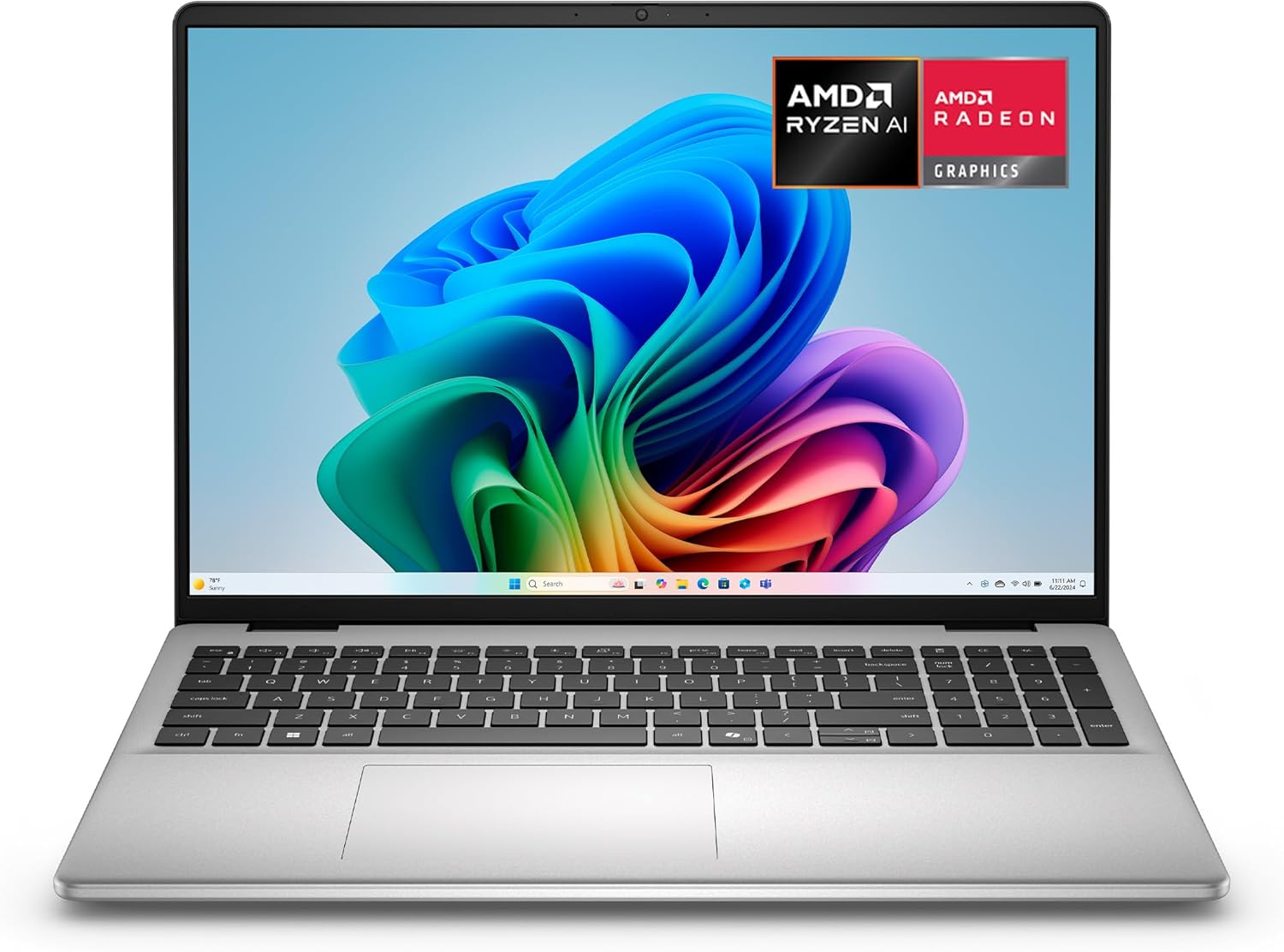
Dell 16 Laptop DC16256-16.0-inch 16:10 2K Touchscreen Display3

Image: Amazon · Affiliate link

Best for split-screen work

Dell 16 Laptop DC16256-16.0-inch 16:10 2K Touchscreen Display, AMD Ryzen AI 7 350 Processor, Radeon Graphics, 32GB…

Dell

32 GB RAM1 TB StorageAMD Ryzen 7 35016"
$899

Why it made the list: Think of it as the desk-friendly screen upgrade. That is the niche it actually earns its place in. It earns its place by covering a broader everyday workload instead of solving only one narrow niche. Running 16" of screen makes multitasking less cramped, which is usually what people actually notice day to day. The 1TB drive is useful margin for buyers who keep media, course files, local projects, or a game library on the machine.

Best for daily carry

ASUS Vivobook M5406WA 32GB RAM 1TB SSD

ASUS

32 GB RAM1 TB StorageAMD Ryzen™ AI 9 HX 370 Processor 2.0GHz (36MB Cache, up to 5.1GHz, 12 cores, 24 Threads); AMD XDNA™ NPU up to 50TOPS AMD Ryzen™ AI 9 365 Processor 2.0GHz (34MB Cache, up to 5.0GHz, 10 cores, 20 Threads); AMD XDNA™ NPU up to 50TOPS
$899.99

Why it made the list: Its case on this list is that it works as the take-anywhere option. The audience is the commuter, the coffee-shop worker, and the classroom-hopper: anyone whose laptop spends more time moving than sitting on a desk. At 2.9 pounds, it is one of the easiest machines on this page to carry from a morning class to a late library session without thinking about it. A 1TB SSD gives it more breathing room than the 256GB-512GB drives common at this tier, especially once apps, project files, or games pile up. Skip it if the lowest possible price matters most. That is the catch. Compare closely.

Dell 2026 15.6" Touchscreen Laptop DC152505

Image: Amazon · Affiliate link

Best for split-screen work

Dell 2026 15.6" Touchscreen Laptop DC15250 – Intel 10-Core i7-1355U (Up to 5.0GHz), 32GB RAM, 1TB SSD, FHD Display…

Dell

32 GB RAM1 TB StorageIntel Core i7-1355U15.6"
$959.95

Why it made the list: It earns its slot by covering the role of the big-panel productivity play. It works as the practical middle path when none of the more specialized picks line up cleanly. The 15.6" screen gives it more working area than the 13-14" crowd, at the cost of being slightly more of an event to carry. 32GB of memory gives it more simultaneous-app headroom than the average pick on this page, which matters once the workload gets heavier than browser-plus-docs. This is the pick to compare carefully against the one above it: a Core 7-class Intel processor is the detail that changes the buying logic, not a vague sense that pricier must be better.

Best for split-screen work

ASUS Vivobook M5606WA 32GB RAM 1TB SSD

ASUS

32 GB RAM1 TB StorageAMD Ryzen™ AI 9 365 Processor 2.0GHz (34MB Cache, up to 5.0GHz, 10 cores, 20 Threads); AMD XDNA™ NPU up to 50TOPS16"
$999.99

Why it made the list: The angle here is simple: the split-screen-friendly pick, plus the basics. The right reader is anyone who wants a capable all-rounder rather than a laptop optimized for a single task.

HP 17.3" Touchscreen Laptop7

Image: Amazon · Affiliate link

Best for split-screen work

HP 17.3" Touchscreen Laptop, Intel Core i7-1355U, Pale Rose Gold, 32GB RAM, 1TB SSD, Webcam, HDMI, Backlit Keyboard…

HP

32 GB RAM1 TB StorageIntel Core i7-1355U17.3"
$1,059

Why it made the list: It rounds out the lineup as the larger-display choice, which is a lane the top picks do not fully claim. It fits buyers who need a balanced machine more than a specialist for one workload. The 17.3" display is the real story. It gives you noticeably more room for split-screen research, long writing sessions, or multitrack timelines than the 13- and 14-inch picks nearby. It tips the scale at 5.3 pounds, which is the price you pay for a proper keyboard deck and room for the components inside. The extra display real estate costs you a little portability. That is the honest tradeoff for the extra working room.

Best for daily carry

Expertbook P5 P5405

ASUS

32 GB RAM1 TB StorageIntel® Core™ Ultra 7 Processor 258V 32GB 2.2 GHz (12MB Cache, up to 4.8 GHz, 8 cores, 8 Threads); Intel® AI Boost NPU up to 47 TOPS Intel® Core™ Ultra 5 Processor 226V 16GB 2.1 GHz (8MB Cache, up to 4.5 GHz, 8 cores, 8 Threads); Intel® AI Boost NPU up to 40 TOPS14"
$1,079.99

Why it made the list: Reads as the lightest-feeling daily carry more than a star attraction, which is exactly why it is useful alongside the flagships. It is for people who move between rooms, classes, flights, or meetings and do not want the laptop deciding the route. Skip it if you need one obvious headline spec. That is the catch. Compare closely.

HP Essential 17t Business Laptop9

Image: Amazon · Affiliate link

Best for split-screen work

HP Essential 17t Business Laptop, 17.3" HD+ Touchscreen Display, Intel Core i7-1355U (> R5 7430U) High-Performance Tier…

HP

64 GB RAM2 TB StorageIntel Core i7-1355U17.3"
$1,199

Why it made the list: This pick stays relevant by being the multitasking-screen pick without pretending to do every job. The audience is someone comparing the whole laptop, not just the loudest spec on the page. 2TB of storage changes the ownership math because you are less likely to start juggling files after the first few big installs.

Best for all-day battery

Acer Aspire Go 16 Laptop - AG16-71P-9726

Acer

32 GB RAM1 TB StorageIntel® Iris® Xe Graphics shared memory16"10 hr battery
$1,199.99

Why it made the list: Lower on the page, the argument shifts to the all-day battery play and day-to-day practicality. The point is everyday breadth: enough performance, enough portability, and few glaring gaps. Around 10 hours of battery is the standout number here, which matters more in real life than another benchmark point ever would. Treat it as a comparison pick first: 32GB memory with 1TB storage is the part that should decide whether it belongs above a cleaner-looking alternative.

Want More Control?

Compare top-of-the-line laptops by GPU, display tech, storage, and build quality in the full FilterKilter tool.

Open FilterKilter — Full Filtering & Sorting Tool →

Frequently Asked Questions

Are $3,000 laptops worth it?

Only for users who genuinely use the extra power; professional video editors, 3D artists, ML practitioners, and competitive gamers running high-refresh setups. Outside those use cases, the law of diminishing returns hits hard above $2,000.

How does a $3,000 laptop compare to a desktop?

A desktop at this price is dramatically faster for sustained workloads. The laptop premium buys portability, an integrated display, and battery life. If you never leave your desk, a desktop wins on raw performance.

Should I buy now or wait for new models?

Flagship laptops refresh roughly once a year. If your current machine works, waiting 6 months can mean meaningful gains in efficiency and battery life. If you need it now, buy the best-rated current model and use it for years.

Sources and Notes

Windows 11 system requirements

Microsoft Support. Baseline Windows hardware requirements used when judging everyday Windows laptops. Accessed 2026-05-21.

Microsoft 365 and Office resources

Microsoft Support. Office and Microsoft 365 compatibility context for school, work, and productivity picks. Accessed 2026-05-21.

Zoom system requirements

Zoom Support. Video-meeting requirements used for student, remote-work, and business recommendations. Accessed 2026-05-21.

Browse All Laptop Buying GuidesClick to expand
← Browse all FilterKilter buying guides