Best Laptops by Screen Size

By the FilterKilter Editorial Team

Updated September 18, 2026

How we rank

Screen size is the decision that quietly settles the others. It sets how much the laptop weighs, how much you can see at once, how much cooling fits inside, and often what you pay for the same components. This guide explains who each size suits before it shows you machines.

What to Look For

  • Size is measured diagonally, so a 16-inch screen is not 23% bigger than a 13-inch one; the usable area is closer to 50% larger.
  • Weight tracks size more reliably than any other spec. If you carry it daily, decide the size you can live with first and the specification second.
  • Bigger chassis cool better. The same processor sustains higher speeds in a 16-inch body than a 13-inch one, which is why thin machines throttle.
  • Resolution matters more than size for how much fits on screen. A 14-inch 1440p display shows more usable text than a 15-inch 1080p one.
  • Check the bezel. Two machines with the same screen size can differ by an inch in footprint, which decides whether it fits a bag or a tray table.
  • This page also absorbs our 2-in-1 guides, but convertible and detachable designs are a hinge decision rather than a size. They cost weight and thickness against a clamshell with the same parts, and the pen is usually sold separately. Use the full tool to require a touchscreen, then confirm the hinge and included pen on the listing.
  • It also absorbs our OLED guide. OLED gives deeper contrast and stronger colour than a typical LCD, but it often costs more, reflects more light and can use more battery on bright pages. Panel type does not affect this size-based order, so filter for OLED in the full tool and verify the exact display configuration before buying.

Choose for Your Situation

These picks are ranked as general-purpose machines using configuration, price and catalog data. The considerations below are not ranking inputs — they are what to check yourself before buying.

13 and 14-inch: you carry it every day

The portable end. These are the machines that disappear into a bag and last a full day away from a socket, and they are the right answer for commuters, students moving between rooms, and anyone who works in places they did not choose.

  • Expect 2 to 3 lb. Below about 2.5 lb you are usually paying a premium for the weight itself rather than for components.
  • 14-inch has become the better default of the two: nearly the same weight as 13-inch with noticeably more screen.
  • Accept the trade on ports. Thin machines drop full-size HDMI and card readers, so budget for a hub if you need them.
  • Sustained performance is the weak point. Fine for documents, code and browsing; check reviews before committing to heavy renders.

The list on this page is not filtered to 13 and 14-inch machines, and 13-inch is the thinnest band in the live catalog — about one laptop in twenty that qualifies here, so expect only one or two of them in the ranking above. If 13-inch specifically is a hard requirement, set a maximum screen size in the full tool rather than working down this page.

15 and 16-inch: it mostly lives on a desk

The volume end of the market, and usually the best price for a given specification. If the laptop moves between a desk and a sofa rather than across a city, this is the band that costs least for the most.

  • Expect 3.5 to 5 lb. Portable enough to move, heavy enough that you notice it on a daily commute.
  • 16-inch machines increasingly use taller 16:10 screens, which show meaningfully more of a document or timeline than 16:9.
  • This is where discrete graphics start to fit without a severe thermal penalty, so it is the practical floor for gaming and video work.
  • Numeric keypads appear around 15 inches. Useful for spreadsheets, and it shifts the trackpad off-centre, which some people dislike.

The ranking does not gate on screen size, so verify the figure on any listing before buying for this band specifically.

17-inch and larger: it replaces a desktop

A desktop that can be moved rather than a laptop that is large. These win on sustained performance and screen area and lose on everything to do with carrying them.

  • Expect 5 to 7 lb plus a heavy power brick. Many do not fit standard laptop bags or economy tray tables.
  • Best cooling of any size, so the processor and GPU hold their speeds longest under load — the real argument for buying one.
  • Compare against a small desktop plus a monitor honestly. If it never leaves the desk, the desktop is usually faster for the money.
  • Battery life is the weakest of any size. Plan to be near a socket.

Large-screen machines are a small part of the live catalog — about one in twelve of the laptops that qualify here — so expect a handful in the ranking above rather than a shortlist of them. Set a minimum screen size in the full tool if 17 inches is the requirement rather than the preference.

How We Chose

Best Laptops by Screen Size is for buyers comparing 8 GB of RAM or more and 512 GB of storage or more. The shortlist comes from those requirements against the live catalog; performance, portability, and overall value are what to weigh when you compare what is left.

  • 1Each pick must match the guide brief: 8 GB of RAM or more and 512 GB of storage or more.
  • 2The generator sorts matching laptops by the laptop-general intent score first and applies a per-brand cap so one lineup does not crowd out the page.
  • 3RAM and SSD capacity are treated as practical ownership factors, not just spec-sheet decoration.
  • 4Retailer links and commissions do not affect ranking order.

Our Top Picks

Affiliate disclosure: Links to retailers on this page are affiliate links. If you buy after clicking one, we may earn a commission at no extra cost to you. Commissions do not influence which laptops we rank or in what order. See our full Affiliate Disclosure.

Data & accuracy: Rankings are based on publisher specifications, retailer pricing snapshots, and published system requirements. We do not physically test the products listed, and prices, configurations, and availability change frequently. Always confirm the exact configuration and final price on the retailer’s site before buying. See our full methodology →

Informational only: Content on this site is provided for informational purposes and is not professional, financial, or technical advice. Use your own judgment when making a purchase.

Best for handwritten notes

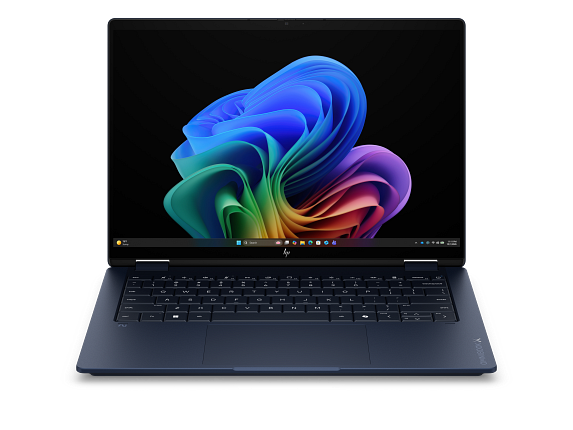
HP OmniBook X Flip 2-in-1 Laptop Next Gen AI 14, Windows 11 Home, 14", Touch screen, Intel® Core™ Ultra 7, 32GB RAM, 1TB SSD, 3K, Atmospheric blue, 2 year warranty

HP

32 GB RAM1 TB StorageIntel® Core™ Ultra 7 356H (up to 4.7 GHz with Intel® Turbo Boost Technology, 18 MB L3 cache, 16 cores, 16 threads)[6,7]14"23.5 hr battery
$1,599.99

Price as of Sep 2026

Why it made the list: It fits buyers who need a balanced machine more than a specialist for one workload. The 14" display is small but that is the point. It is chosen for carry more than for desk real estate. HP OmniBook X Flip 2-in-1 Laptop Next Gen AI 14 keeps the first slot because 14" screen size plus $1,600 street price gives this listing a specific job in the lineup.

Best for handwritten notes

HP OmniBook X Flip 2-in-1 Laptop Next Gen AI 14, Windows 11 Home, 14", Touch screen, Intel® Core™ Ultra 9, 32GB RAM, 2TB SSD, 3K, Atmospheric blue

HP

32 GB RAM2 TB StorageIntel® Core™ Ultra 9 386H (up to 4.9 GHz with Intel® Turbo Boost Technology, 18 MB L3 cache, 16 cores, 16 threads)[6,7]14"23.5 hr battery
$2,999.99

Price as of Sep 2026

Why it made the list: What keeps it near the top is that it fills the role of a flexible note-taking and tent-mode option. It belongs here because it keeps the everyday tradeoffs reasonably even. The 360° hinge gives it a genuinely different use case than the clamshells around it: tent mode for video, tablet mode for handwritten notes, and laptop mode for everything else. $2,999.99 puts it in upgrade territory, and the spec sheet actually reflects it rather than just charging for the badge. The flip side is straightforward: you are paying for polish and headroom here, not just checking the minimum boxes for the category. Its clearest spec identity is 32GB RAM, 2TB SSD, a combination that keeps it from blending into the rest of the list.

Best for daily carry

ASUS GZ302EA-XS96 32GB RAM 1TB SSD

ASUS

32 GB RAM1 TB StorageAMD Ryzen™ AI MAX+ 395 Processor 3.0GHz (80MB Cache, up to 5.1GHz, 16 cores, 32 Threads); AMD XDNA™ NPU up to 50TOPS13.4"
$2,099.99

Price as of Sep 2026

Why it made the list: It works as the practical middle path when none of the more specialized picks line up cleanly. At 13.4" the screen is compact, which keeps the chassis small enough to live in a backpack without feeling like homework. At $2,099.99 it is priced like a step-up pick, not a bare-minimum buy. That is partly why it shows up in a different role than the cheaper entries here. At this price you are buying real margin over the entry-level picks. Nice, but overkill if your workload actually fits on a mid-list machine. What separates this SKU is the mix of 32GB RAM, 1TB SSD, which is why it has a distinct role here.

Best for daily carry

ASUS GZ302EA-R9641TB 64GB RAM 1TB SSD

ASUS

64 GB RAM1 TB StorageAMD Ryzen™ AI MAX+ 395 Processor 3.0GHz (80MB Cache, up to 5.1GHz, 16 cores, 32 Threads); AMD XDNA™ NPU up to 50TOPS13.4"
$2,099.99

Price as of Sep 2026

Why it made the list: Its case on this list is that it works as the easiest carry on the page. The audience is someone comparing the whole laptop, not just the loudest spec on the page. 64GB of memory gives it more simultaneous-app headroom than the average pick on this page, which matters once the workload gets heavier than browser-plus-docs. Skip it if the lowest possible price matters most. That is the catch. Compare closely.

LG gram 14-inch Thin and Lightweight Laptop5

Image: Amazon · Affiliate link

Best for all-day battery

LG gram 14-inch Thin and Lightweight Laptop, Windows 11 Home, AI-Enabled Intel Evo Edition Powered by Intel Core…

LG

32 GB RAM1 TB StorageIntel Core Ultra 714"30 hr battery
$1,499.99

Price as of Jun 2026

Why it made the list: It earns its slot by covering the role of the outlet-avoidance pick. It is for people who move between rooms, classes, flights, or meetings and do not want the laptop deciding the route. A ~30-hour runtime gives it serious unplugged stamina, the kind that actually changes how you plan your day. This is the pick to compare carefully against the one above it: the longest rated battery here at 30 hours is the detail that changes the buying logic, not a vague sense that pricier must be better.

Best for higher frame rates

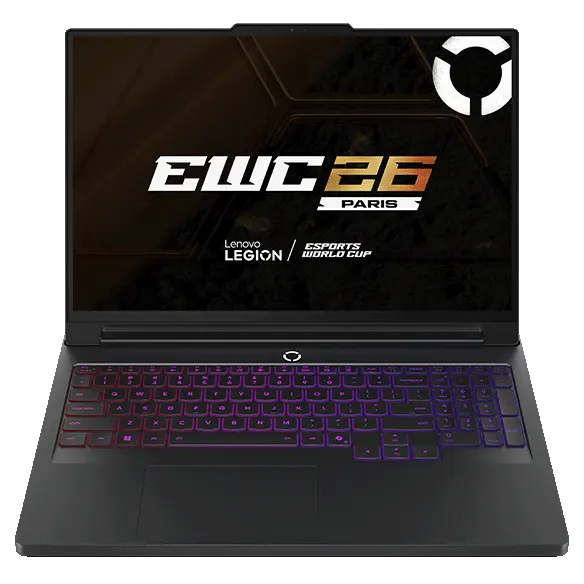
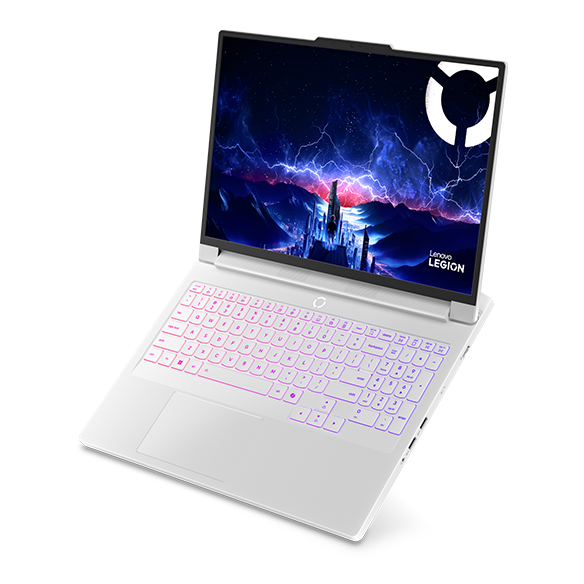
Legion Pro 7i Gen 10 Intel (16") with up to RTX 5090

Lenovo

32 GB RAM1 TB StorageIntel® Core™ Ultra 9 275HX Processor (E-cores up to 4.60 GHz P-cores up to 5.40 GHz)NVIDIA® GeForce RTX™ 5070 Ti Laptop GPU 12GB GDDR716"
$3,077.45

Price as of Sep 2026

Why it made the list: The angle here is simple: a gaming-series machine with real cooling under the hood, plus the basics. The point is everyday breadth: enough performance, enough portability, and few glaring gaps. The RTX 5090 GPU gives it a much higher ceiling than the productivity-first picks around it for when the workload actually demands one. Storage is one of its quieter strengths: 1TB gives the configuration room to age without immediate cleanup chores.

Best for higher frame rates

Legion Pro 7i Gen 10 16" Intel

Lenovo

32 GB RAM1 TB StorageIntel® Core™ Ultra 9 275HX Processor (E-cores up to 4.60 GHz P-cores up to 5.40 GHz)NVIDIA® GeForce RTX™ 5070 Ti Laptop GPU 12GB GDDR716"
$3,079.5

Price as of Sep 2026

Why it made the list: It rounds out the lineup as a purpose-built gaming chassis rather than a casual GPU add-on, which is a lane the top picks do not fully claim. The fit is a buyer who wants fewer surprises rather than one standout feature. A dedicated NVIDIA® GeForce RTX™ 5070 Ti Laptop GPU 12GB GDDR7 raises the ceiling above the productivity-first picks nearby for the occasional heavy task. A 1TB SSD gives it more breathing room than the 256GB-512GB drives common at this tier, especially once apps, project files, or games pile up.

Alienware Dell Alienware X16 R2 Gaming Laptop8

Image: Amazon · Affiliate link

Best for higher frame rates

Dell Alienware X16 R2 Gaming Laptop, Intel Core Ultra 9 185H AI PC, 16 Inch FHD+ 480Hz, 32GB DDR5, 4TB SSD, Geforce RTX…

Alienware

32 GB RAM4 TB StorageIntel Core Ultra 9 185HNVIDIA GeForce RTX 409016"
$3,149

Price as of Jun 2026

Why it made the list: Reads as a gaming-line pick with cooling in its favor more than a star attraction, which is exactly why it is useful alongside the flagships. It earns its place by covering a broader everyday workload instead of solving only one narrow niche. 4TB of storage changes the ownership math because you are less likely to start juggling files after the first few big installs. Running 16" of screen makes multitasking less cramped, which is usually what people actually notice day to day. Skip it if portability is the priority. That is the catch. Compare closely.

Best for higher frame rates

Alienware 16X Aurora Gaming Laptop - NVIDIA Laptop

Dell

32 GB RAM1 TB StorageIntel® Core™ Ultra 9 processor 290HX Plus (24-Core, 36MB Cache, 2.7GHz to 5.5GHz)NVIDIA® GeForce RTX™ 5070 Ti 12 GB GDDR716"
$2,999.99

Price as of Sep 2026

Why it made the list: The right reader is anyone who wants a capable all-rounder rather than a laptop optimized for a single task. For the ninth pick, Alienware 16X Aurora Gaming Laptop - NVIDIA Laptop leans on Alienware identity plus 16" screen size instead of a generic value argument. Alienware 16X Aurora Gaming Laptop - NVIDIA Laptop is here for a narrower reason: Alienware identity plus 16" screen size fits the guide better than another interchangeable spec sheet.

LG gram Pro 16-inch Thin and Lightweight Dual AI Laptop10

Image: Amazon · Affiliate link

Best for daily carry

LG gram Pro 16-inch Thin and Lightweight Dual AI Laptop Computer, Windows 11 Home, Copilot+ PC, Intel Core Ultra X7…

LG

32 GB RAM1 TB StorageIntel Core Ultra 716"27 hr battery
$3,299.99

Price as of Jun 2026

Why it made the list: Lower on the page, the argument shifts to the take-anywhere option and day-to-day practicality. At 2.6 pounds, it is one of the easiest machines on this page to carry from a morning class to a late library session without thinking about it. Rated around 27 hours of battery, it has enough headroom for long class stretches, coffee-shop work, or a full flight without hunting for an outlet. The reason to keep it on the shortlist is narrow but real: the runner-up on rated endurance here at 27 hours gives it a specific lane when the surrounding picks start to blur together.

Acer Nitro V 15 Gaming Laptop11

Image: Amazon · Affiliate link

Best for higher frame rates

Acer Nitro V 15 Gaming Laptop | 15.6" FHD IPS 165Hz Display | Intel Core i9-13900H | NVIDIA GeForce RTX 5060 | 32GB…

Acer

32 GB RAM1 TB StorageIntel Core i9-13900HNVIDIA GeForce RTX 506015.6"
$1,399.99

Price as of Jun 2026

Why it made the list: The 165Hz refresh rate makes scrolling and window animations feel smoother than the 60Hz panels most of this price band is stuck with. Its a Core i9 / Ultra 9 processor gives the rest of the spec sheet a solid base, especially when multitasking or heavier apps enter the picture.

Best for split-screen work

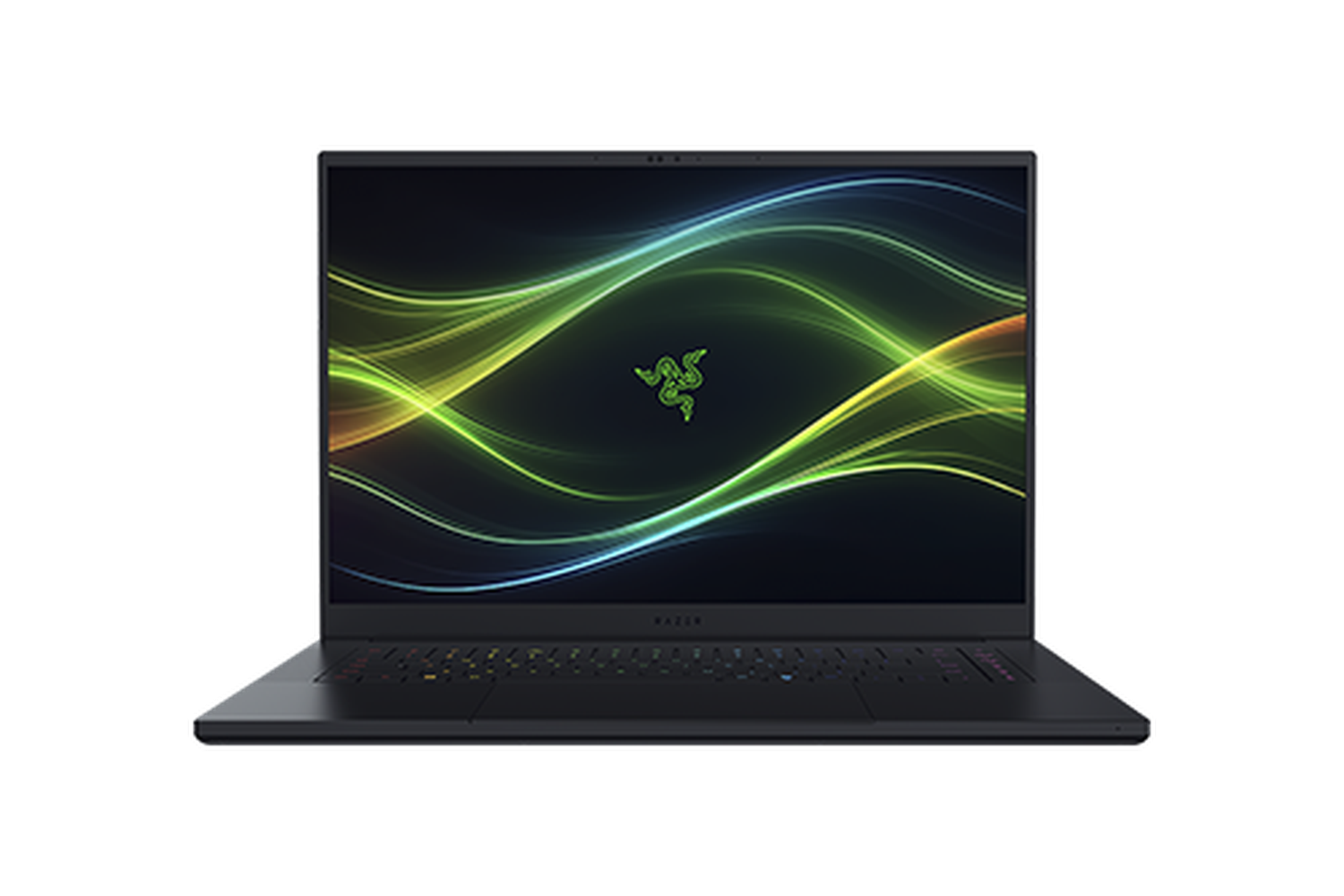
Razer Blade 16 - QHD+ 240 Hz OLED - GeForce RTX 5090 - Black

Razer

32 GB RAM2 TB StorageIntel Core Ultra 9 Processor 386H 2.1 GHz (18 MB Cache, up to 4.9 GHz, 16 cores, 16 Threads); Intel NPU up to 50TOPSNVIDIA GeForce RTX 509016"
$4,899.99

Price as of Sep 2026

Why it made the list: For the right buyer, it answers the brief as the multitasking-screen pick more directly than its rank suggests. The OLED panel is a real differentiator here. It delivers the contrast, black levels, and color accuracy that matter for photo and video work. A 240Hz panel is a small but noticeable upgrade for everyday motion, from web scrolling to timeline scrubbing.

Best for daily carry

Acer Swift Edge 14 AI Laptop - SFE14-51T-75PZ

Acer

32 GB RAM1 TB StorageIntel® ARC™ 140V GPU shared memory14"21 hr battery
$1,499.99

Price as of Jun 2026

Why it made the list: This is not the headline act, but it works cleanly as the take-anywhere option. It suits people who genuinely carry their laptop all day and want it to feel like part of the backpack, not an extra burden. Weight is a real selling point here. 2.2 pounds is well under the category average and makes everyday carry a non-event. The 1TB drive is useful margin for buyers who keep media, course files, local projects, or a game library on the machine.

Best all-around workday pick

Apple MacBook Pro, 16-inch, M5 Max Chip, 18-core CPU, 32-core GPU, Space Black, Standard display, 36GB memory, 2TB storage

Apple

36 GB RAM2 TB StorageApple M5 Max16"
$4,399

Price as of Sep 2026

Why it made the list: The MacBook Pro lineage helps explain why this feels like a nicer daily machine than the more basic configurations nearby. The 16" screen gives it more working area than the 13-14" crowd, at the cost of being slightly more of an event to carry. Treat it as a comparison pick first: Apple silicon is the part that should decide whether it belongs above a cleaner-looking alternative. The configuration to notice is Apple silicon, 36GB RAM, 2TB SSD, which gives this specific pick its place at #15.

Best premium feel

Apple MacBook Pro, 16-inch, M5 Max Chip, 18-core CPU, 32-core GPU, Silver, Standard display, 36GB memory, 2TB storage

Apple

36 GB RAM2 TB StorageApple M5 Max16"
$4,399

Price as of Sep 2026

Why it made the list: The MacBook Pro badge shows up in the small stuff: keyboard feel, speaker quality, chassis rigidity, and a display most of this guide's cheaper picks cannot match. Skip it if a smaller, lighter machine would solve the same job. That is the catch. Compare closely. The useful distinction on Apple MacBook Pro, 16-inch, M5 Max Chip is 16" screen size plus $4,399 street price, which keeps it from reading like filler.

Best for split-screen work

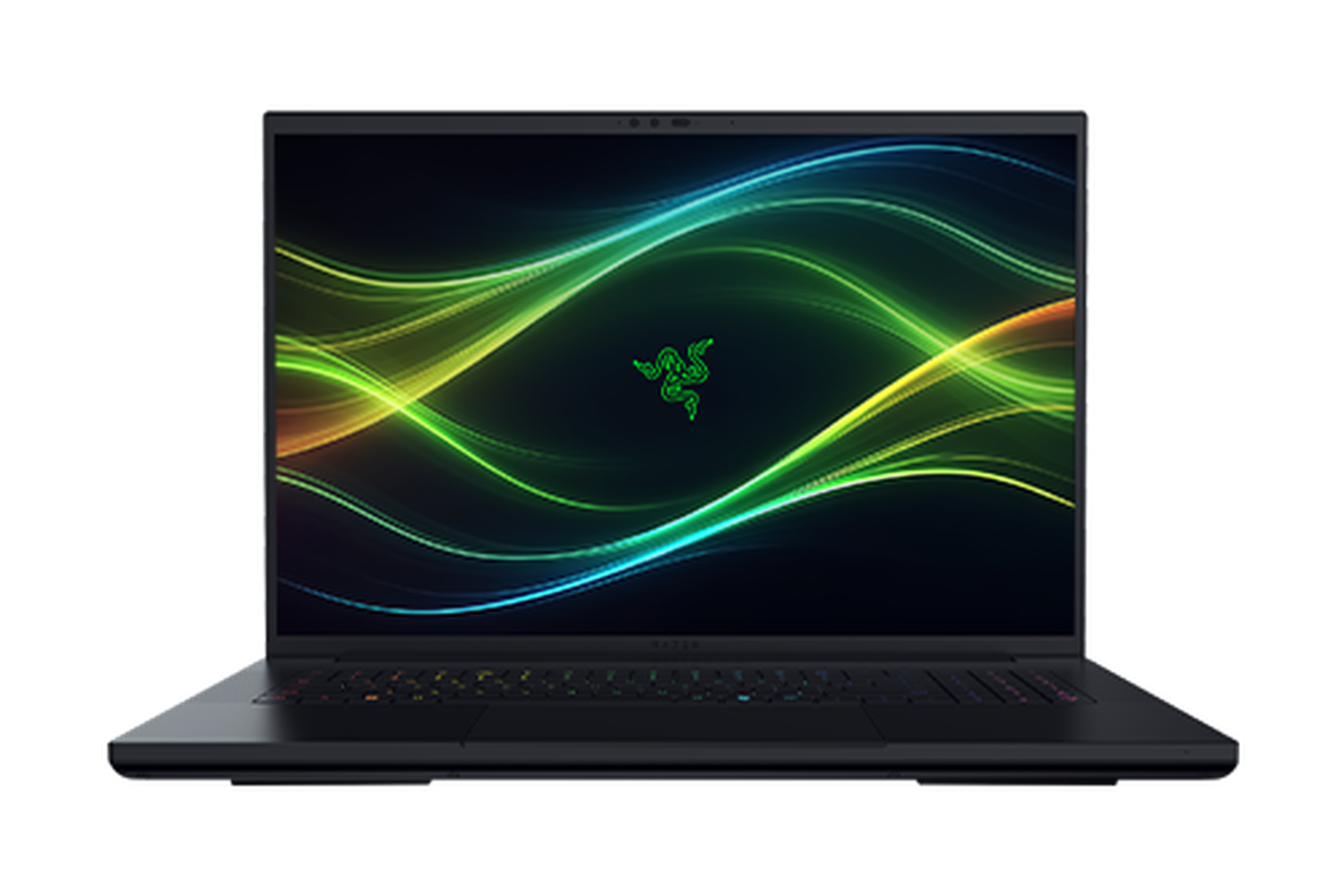
Razer Blade 18 - Dual UHD+ 240 Hz | FHD+ 440 Hz - GeForce RTX 5080 - Black

Razer

32 GB RAM1 TB StorageIntel Core Ultra 9 Processor 290HX Plus (36 MB Cache, up to 5.5 GHz, 24 cores, 24 Threads); Intel NPU up to 13TOPSNVIDIA GeForce RTX 5070 Ti18"
$3,999.99

Price as of Sep 2026

Why it made the list: A 18" panel lets you comfortably run two windows side by side, which is often what the smaller picks on this list cannot do without squinting. The faster 240Hz screen gives it a smoother feel than basic productivity laptops, even outside games. The bigger screen is useful, but it is also a reminder that this is more of a desk-friendly machine than a toss-it-in-any-bag pick.

Alienware 18 Area-51 Gaming Laptop18

Image: Amazon · Affiliate link

Best for higher frame rates

Alienware 18 Area-51 Gaming Laptop, NVIDIA RTX 5080 16GB GDDR7, Intel Ultra 9 275HX 5.4GHz, 18" WQXGA 300Hz 2.5K…

Alienware

64 GB RAM4 TB StorageIntel Ultra 9 275HXNVIDIA GeForce RTX 508018"
$4,799.99

Price as of Jun 2026

Why it made the list: 300Hz refresh support is not mandatory, but it makes the laptop feel more responsive during daily use. The processor choice matters: Intel Ultra 9 275HX keeps the pick aligned with the guide instead of relying only on RAM or storage to carry the value case.

Microsoft Surface Laptop for Business19

Image: Amazon · Affiliate link

Best premium feel

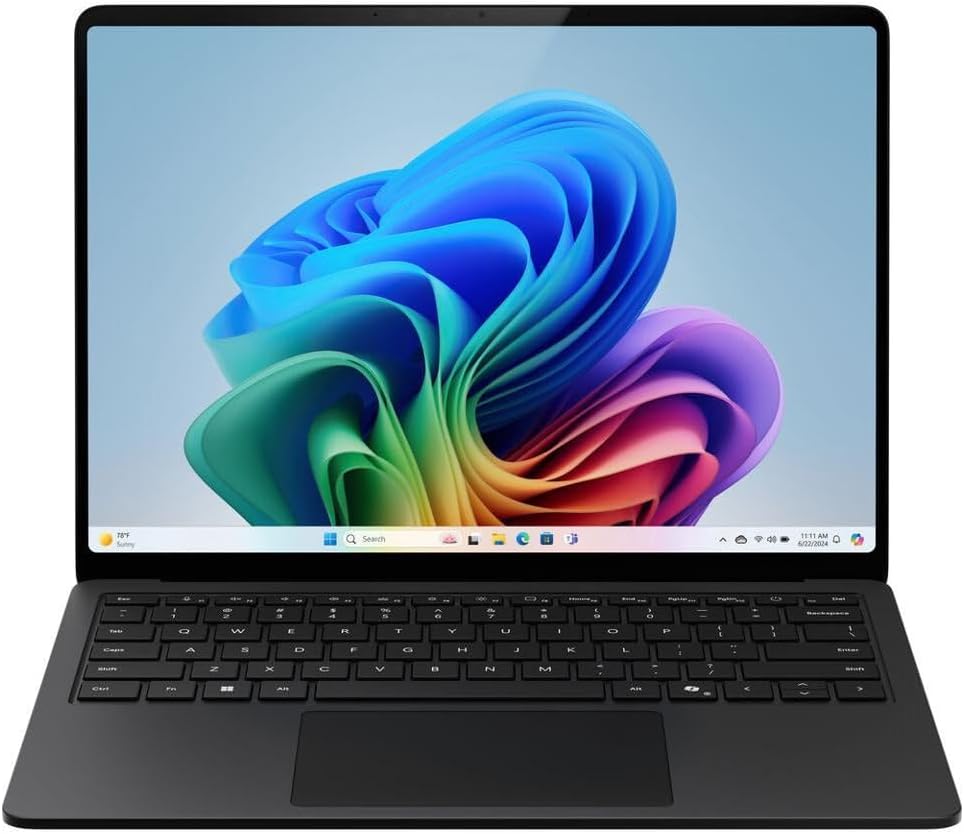
Microsoft Surface Laptop for Business (2025) Windows 11 Pro Copilot+ PC, 13.8" Intel Core Ultra 7 (Series 2), 32GB RAM…

Microsoft

32 GB RAM1 TB StorageIntel Core Ultra 713.8"20 hr battery
$2,432.59

Price as of Jun 2026

Why it made the list: Surface Laptop is the part of the name that points toward polish, especially if build quality and the screen matter as much as raw specs. The 3.0-pound carry weight keeps the commute + class-hop routine from turning into shoulder strain by Wednesday. Microsoft Surface Laptop for Business (2025) Windows 11 Pro Copilot+ PC, 13.8" Intel Core Ultra 7 (Series 2), 32GB RAM… earns a look because 3.0-pound weight plus a Core 7-class Intel processor changes the buying decision for this particular page.

Samsung 14” Galaxy Book3 Pro Laptop Computer20

Image: Amazon · Affiliate link

Well-rounded pick

SAMSUNG 14” Galaxy Book3 Pro Laptop Computer, 13th Gen Intel Core i7-1360P Processor / 16GB / 1TB, 3K AMOLED Screen…

Samsung

16 GB RAM1 TB StorageIntel Core i7-1360P14"
$1,362.19

Price as of Jun 2026

Why it made the list: OLED is the screen upgrade to notice, especially if your work benefits from deeper contrast and cleaner color than a basic LCD can show. With 16GB onboard, it has the multitasking cushion that many cheaper 8GB configurations lack. In this part of the ranking, SAMSUNG 14” Galaxy Book3 Pro Laptop Computer, 13th Gen Intel Core i7-1360P Processor / 16GB / 1TB, 3K AMOLED Screen… is mainly about 16GB memory with 1TB storage plus 3.4-pound weight rather than broad all-purpose appeal.

Samsung 2024 Laptop21

Image: Amazon · Affiliate link

Best for split-screen work

SAMSUNG 2024 Laptop | Galaxy-Book4 | 15.6" 1920 x 1080 IPS | Intel Core 7 150U 10-Core | 16GB LPDDR4 | 512GB SSD |…

Samsung

16 GB RAM512 GB StorageIntel Core 7 150U15.6"15 hr battery
$689.99

Price as of Jun 2026

Why it made the list: This pick stays relevant by being the spacious-screen alternative without pretending to do every job. A 3.5-pound chassis strikes the workable middle ground between take-anywhere thin-and-lights and heftier 15-inch boxes. 16GB of RAM lands in the current sweet spot: enough for real multitasking without pushing the price up the way 32GB configurations tend to. Compared with nearby picks, the useful details are Intel Core 7 150U, 16GB RAM, 512GB SSD rather than the brand name alone.

Microsoft Surface Laptop 422

Image: Amazon · Affiliate link

Best premium feel

Microsoft Surface Laptop 4 (2021): 15" Touchscreen Laptop (AMD Ryzen 7/16GB RAM/512GB SSD) Black - French Keyboard

Microsoft

16 GB RAM512 GB StorageAMD Ryzen 715"10 hr battery
$429.09

Price as of Jun 2026

Why it made the list: At $429.09 it anchors the low end of the list, which is the whole reason this pick exists here. a Ryzen 7-class processor is the processing anchor here, giving the configuration a clearer workload fit than entry chips with nicer marketing names. This is a budget-tier pick, so fit and finish, speakers, and display quality are where the money did not go.

Prices and availability are snapshots taken when we last refreshed this catalog and may change without notice. Confirm the current price, configuration, and stock on the retailer’s or manufacturer’s own product page before buying. Affiliate disclosure.

Want More Control?

Know the size you want? Filter by screen size, weight, resolution and panel type inside the full FilterKilter engine to narrow it down.

Open FilterKilter — Full Filtering & Sorting Tool →

Frequently Asked Questions

What should you compare first in this category?

Start with the non-negotiables for this kind of general user: performance, portability, display size, and price. Once those are aligned, compare smaller quality-of-life details like ports, keyboard feel, battery life, and thermals.

How much RAM is enough?

8 GB is the floor for a comfortable modern laptop, but 16 GB is still worth paying for if you want more breathing room and a longer useful lifespan.

Do you need a dedicated GPU for this kind of laptop?

Usually not. Integrated graphics is enough for web work, office tasks, schoolwork, and general productivity. Pay for a dedicated GPU only if you know your workload will use it.

Sources and Notes

Windows 11 system requirements

Microsoft Support. Baseline Windows hardware requirements used when judging everyday Windows computers. Accessed 2026-05-21.

Microsoft 365 and Office resources

Microsoft Support. Office and Microsoft 365 compatibility context for school, work, and productivity picks. Accessed 2026-05-21.

Zoom system requirements

Zoom Support. Video-meeting requirements used for student, remote-work, and business recommendations. Accessed 2026-05-21.

Browse All Laptop Buying GuidesClick to expand
← Browse all FilterKilter buying guides