Best Laptops for Battery Life

By the FilterKilter Editorial Team

Reviewed September 6, 2026Picks unchanged since Sep 3, 2026

How we rank

Every machine on this list has a manufacturer-published battery rating of 10 hours or more, and the list is ordered primarily on that figure. Machines with no published rating are excluded rather than given the benefit of the doubt, so nothing here is ranked above a documented laptop on an unknown one. Read the section below before you treat the number as a promise: it is a manufacturer claim, not a runtime we have measured.

What to Look For

  • Treat the rating as a ceiling, not an expectation. Manufacturers test under light, controlled conditions; mixed work with a bright screen commonly lands well below the stated figure.
  • Efficient processors; Intel Core Ultra, Apple M-series, Qualcomm Snapdragon X; are the strongest predictor of long runtime, and they dominate the top of this list for that reason.
  • A smaller, lower-resolution screen uses meaningfully less power. A 13-inch FHD panel outlasts a 16-inch high-resolution one on the same battery.
  • A dedicated graphics card costs runtime even when idle. Every machine here that leads on battery uses integrated graphics.
  • Battery capacity in watt-hours is a useful cross-check on the claim. 60 Wh or more with an efficient processor is the combination that holds up.

Choose for Your Situation

These picks are ranked as general-purpose machines using configuration, price and catalog data. The considerations below are not ranking inputs — they are what to check yourself before buying.

What the battery figure here actually is

This is the one guide on the site ranked primarily on a single sparse field, so it is worth being exact about what that field is and where it comes from.

  • Every figure is published by the manufacturer for that model. We have not measured runtime ourselves and do not claim to.
  • Manufacturers do not share one test method. A 20-hour claim from one brand and a 20-hour claim from another are not directly comparable, so read the order as directional rather than exact.
  • Machines with no published figure are excluded from this list entirely — about three-quarters of the laptops that otherwise meet its requirements. That keeps the ranking honest and does mean genuinely long-lasting machines can be missing.
  • Other guides on the site, such as travel and writing, accept a battery of 55 Wh or more on an integrated-graphics machine as a stand-in where no figure is published. That is deliberately not used here: it is reasonable for finding candidates and not good enough for ordering them.
  • Check the figure for the exact configuration you are buying. Processor and screen options change it substantially within one model name.

The order reflects published claims, not FilterKilter-measured runtime, and no independent testing is involved. Weight, processor and memory contribute a minority of the score so the list stays usable; battery is the majority of it.

How We Chose

Best Laptops for Battery Life is for buyers who want the longest runtime, and it admits only laptops with a manufacturer-published rating of 10 hours or more. The order follows that published figure. Screen brightness, workload and battery age are what decide the runtime you actually see.

  • 1Each pick must match the guide brief: 8 GB of RAM or more, 512 GB of storage or more, and a carry weight under 4 lb.
  • 2The generator sorts matching laptops by the guide-specific intent score first and applies a per-brand cap so one lineup does not crowd out the page.
  • 3RAM and SSD capacity are treated as practical ownership factors, not just spec-sheet decoration.
  • 4Portability and battery life can break ties because they change how the laptop feels after the first week.
  • 5Retailer links and commissions do not affect ranking order.

Our Top Picks

Affiliate disclosure: Links to retailers on this page are affiliate links. If you buy after clicking one, we may earn a commission at no extra cost to you. Commissions do not influence which laptops we rank or in what order. See our full Affiliate Disclosure.

Data & accuracy: Rankings are based on publisher specifications, retailer pricing snapshots, and published system requirements. We do not physically test the products listed, and prices, configurations, and availability change frequently. Always confirm the exact configuration and final price on the retailer’s site before buying. See our full methodology →

Informational only: Content on this site is provided for informational purposes and is not professional, financial, or technical advice. Use your own judgment when making a purchase.

LG gram 14-inch Thin and Lightweight Laptop1

Image: Amazon · Affiliate link

Best battery-first pick

LG gram 14-inch Thin and Lightweight Laptop, Windows 11 Home, AI-Enabled Intel Evo Edition Powered by Intel Core…

LG

32 GB RAM1 TB StorageIntel Core Ultra 714"30 hr battery
$1,499.99

Price as of Jun 2026

Why it made the list: Starts the list off as the stamina-first pick in the guide, which is the use case most readers of this page are actually trying to solve. The appeal is simple: fewer battery checks and fewer decisions about where to sit. Weight is a real selling point here. 2.5 pounds is well under the category average and makes everyday carry a non-event. The 1TB drive is useful margin for buyers who keep media, course files, local projects, or a game library on the machine.

LG gram 16-inch Thin and Lightweight Laptop Computer2

Image: Amazon · Affiliate link

Best for all-day battery

LG gram 16-inch Thin and Lightweight Laptop Computer, Copilot+ PC, Intel Evo Edition Powered by Intel Core Ultra9 288V…

LG

32 GB RAM2 TB StorageIntel Core Ultra 916"28.5 hr battery
$2,399.99

Price as of Jun 2026

Why it made the list: What keeps it near the top is that it fills the role of the unplugged-work option. It is for buyers who would rather carry less charging anxiety than more raw performance. Battery comes in near 28.5 hours on paper, which is comfortably above what you need for a normal workday. A 16" panel lets you comfortably run two windows side by side, which is often what the smaller picks on this list cannot do without squinting. At this price you are buying real margin over the entry-level picks. Nice, but overkill if your workload actually fits on a mid-list machine. The configuration to notice is a Core i9 / Ultra 9 processor, 32GB RAM, 2TB SSD, which gives this specific pick its place at #2.

Dell XPS 13 9345 Laptop3

Image: Amazon · Affiliate link

Best premium feel

Dell XPS 13 9345 Laptop, Copilot+ AI PC (13.4" FHD+ 120Hz, Snapdragon X Plus (> Intel i7-1355U), 16GB 8448MT/s RAM, 2TB…

Dell

16 GB RAM2 TB StorageIntel Core i7-1355U13.4"27 hr battery
$1,549.99

Price as of Jun 2026

Why it made the list: Think of it as the more polished premium-class pick of the bunch. That is the niche it actually earns its place in. This is the pick for buyers who care more about finishing a day unplugged than about topping a benchmark chart. At 13.4" the screen is compact, which keeps the chassis small enough to live in a backpack without feeling like homework. The 16GB memory configuration is the practical baseline now, especially if your day includes a browser, meetings, documents, and background apps. The flip side is straightforward: you are paying for polish and headroom here, not just checking the minimum boxes for the category.

Dell XPS 13 9350 AI Business Laptop4

Image: Amazon · Affiliate link

Best battery-first pick

Dell XPS 13 9350 AI Business Laptop (13.4" FHD+ 120Hz, Intel Core Ultra 7 256V (> i7-1355U), 16GB 8533MT/s, 1TB SSD)…

Dell

16 GB RAM1 TB StorageIntel Core Ultra 7 256V13.4"26 hr battery
$1,599.99

Price as of Jun 2026

Why it made the list: It is built for the reader whose biggest frustration with their last laptop was hunting for outlets. The ~26-hour battery estimate is one of those quiet-but-real quality-of-life upgrades over the weaker options on this list. With 16GB onboard, it has the multitasking cushion that many cheaper 8GB configurations lack. Skip it if you need one obvious headline spec. That is the catch. Compare closely.
Best for handwritten notes

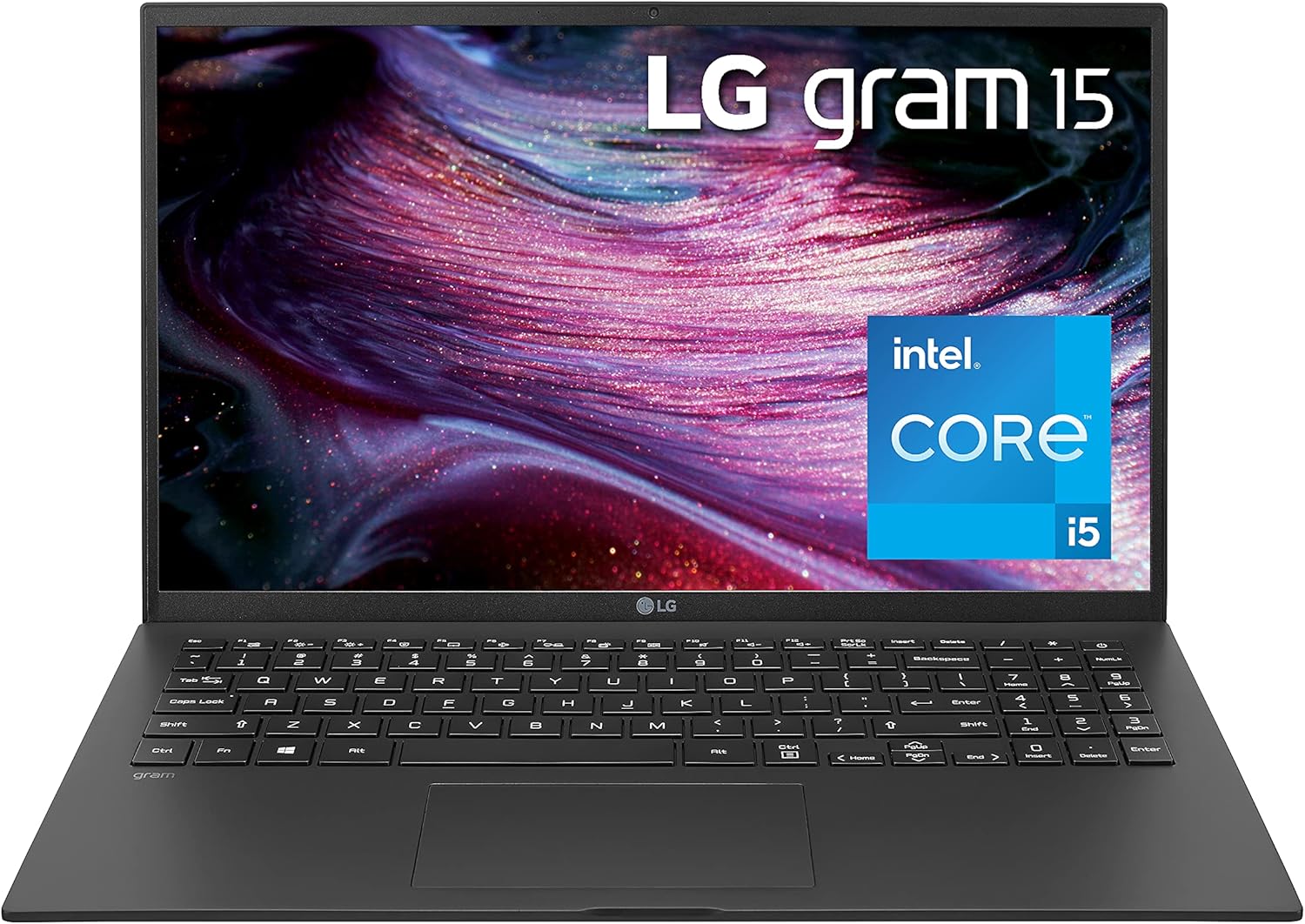
HP OmniBook X Flip 2-in-1 Laptop Next Gen AI 14, Windows 11 Home, 14", Touch screen, Intel® Core™ Ultra 7, 32GB RAM, 1TB SSD, 3K, Atmospheric blue, 2 year warranty

HP

32 GB RAM1 TB StorageIntel® Core™ Ultra 7 356H (up to 4.7 GHz with Intel® Turbo Boost Technology, 18 MB L3 cache, 16 cores, 16 threads)[6,7]14"23.5 hr battery
$1,599.99

Price as of Sep 2026

Why it made the list: It earns its slot by covering the role of the 2-in-1 flexibility choice. It targets people who plan their day around charging ports. This one intentionally takes that off the table. A 14" footprint keeps it firmly on the portable side of the portability-vs-workspace tradeoff. Treat it as a comparison pick first: the runner-up on threads here at 16 cores is the part that should decide whether it belongs above a cleaner-looking alternative.

Best for handwritten notes

HP OmniBook X Flip 2-in-1 Laptop Next Gen AI 14, Windows 11 Home, 14", Touch screen, Intel® Core™ Ultra 9, 32GB RAM, 2TB SSD, 3K, Atmospheric blue

HP

32 GB RAM2 TB StorageIntel® Core™ Ultra 9 386H (up to 4.9 GHz with Intel® Turbo Boost Technology, 18 MB L3 cache, 16 cores, 16 threads)[6,7]14"23.5 hr battery
$2,999.99

Price as of Sep 2026

Why it made the list: The angle here is simple: the 2-in-1 flexibility choice, plus the basics. It fits days spent away from a desk, where runtime matters more than squeezing out the last bit of peak speed. A 3.1-pound chassis strikes the workable middle ground between take-anywhere thin-and-lights and heftier 15-inch boxes. The 14" display is small but that is the point. It is chosen for carry more than for desk real estate.

Best for all-day battery

Acer Swift Edge 14 AI Laptop - SFE14-51T-75PZ

Acer

32 GB RAM1 TB StorageIntel® ARC™ 140V GPU shared memory14"21 hr battery
$1,499.99

Price as of Jun 2026

Why it made the list: Reads as the outlet-avoidance pick more than a star attraction, which is exactly why it is useful alongside the flagships. 1TB of storage changes the ownership math because you are less likely to start juggling files after the first few big installs.

Microsoft Surface Laptop for Business8

Image: Amazon · Affiliate link

Best for most students

Microsoft Surface Laptop for Business (2025) Windows 11 Pro Copilot+ PC, 13.8" Intel Core Ultra 7 (Series 2), 32GB RAM…

Microsoft

32 GB RAM1 TB StorageIntel Core Ultra 713.8"20 hr battery
$2,432.59

Price as of Jun 2026

Why it made the list: The Surface Laptop lineage helps explain why this feels like a nicer daily machine than the more basic configurations nearby. At $2,432.59 it is priced like a step-up pick, not a bare-minimum buy. That is partly why it shows up in a different role than the cheaper entries here. Skip it if a smaller, lighter machine would solve the same job. That is the catch. Compare closely. Its clearest spec identity is a Core 7-class Intel processor, 32GB RAM, 1TB SSD, a combination that keeps it from blending into the rest of the list.

ASUS Zenbook Pro S 16 AI Laptop9

Image: Amazon · Affiliate link

Best creator pick

ASUS Zenbook Pro S 16 AI Laptop (16" 3K AMOLED Touchscreen, AMD Ryzen AI 9 365 (>Intel Ultra 7 155H), 24GB DDR5, 2TB…

ASUS

24 GB RAM2 TB StorageAMD Ryzen 9 36516"18 hr battery
$1,699.99

Price as of Jun 2026

Why it made the list: Rated around 18 hours of battery, it has enough headroom for long class stretches, coffee-shop work, or a full flight without hunting for an outlet. Having 16GB of RAM keeps this from feeling like a short-life budget spec once multitasking gets messy. ASUS Zenbook Pro S 16 AI Laptop (16" 3K AMOLED Touchscreen keeps the ninth slot because the runner-up on panel size here at 16 inches gives this listing a specific job in the lineup.

Apple 2026 MacBook Air 13-inch Laptop with M5 chip: Built for AI10

Image: Amazon · Affiliate link

Best premium feel

Apple 2026 MacBook Air 13-inch Laptop with M5 chip: Built for AI, 13.6-inch Liquid Retina Display, 16GB Unified Memory…

Apple

16 GB RAM512 GB StorageM513.6"18 hr battery
$1,099

Price as of Jun 2026

Why it made the list: Lower on the page, the argument shifts to the refinement-first alternative and day-to-day practicality. The MacBook Air badge shows up in the small stuff: keyboard feel, speaker quality, chassis rigidity, and a display most of this guide's cheaper picks cannot match. $1,099 is meaningfully under the average sticker in this roundup, fitting for a "covers the basics without overspending" pick. The caution is configuration-specific: it earns the value lane here, while a step-up pick may still buy a nicer panel, stronger graphics, or a more polished chassis. The reason to keep it on the shortlist is narrow but real: the least storage here at 512GB gives it a specific lane when the surrounding picks start to blur together.

Prices and availability are snapshots taken when we last refreshed this catalog and may change without notice. Confirm the current price, configuration, and stock on the retailer’s or manufacturer’s own product page before buying. Affiliate disclosure.

Want More Control?

Sort by battery life and filter by weight, price and screen size in the full FilterKilter tool.

Open FilterKilter — Full Filtering & Sorting Tool →

Frequently Asked Questions

Are these real-world battery figures?

No. They are manufacturer-published ratings, measured by each brand under its own conditions, and we do not test runtime ourselves. Expect real use to land below the stated number, especially with a bright screen and mixed work.

Why are some long-lasting laptops missing?

Because the manufacturer has not published a battery figure we hold, and this list excludes machines without one rather than ranking them on a guess. That is roughly three-quarters of the laptops that otherwise meet the requirements.

Does screen brightness affect battery life?

Substantially. Running at half brightness rather than full can add hours, and automatic brightness helps. It is the single easiest change to make once you have the machine.

How do I get more life out of the battery I have?

Lower the screen brightness, close background applications, use the power-saving mode built into your operating system, and; on machines that offer it; enable the charge limit that keeps the battery healthier over years.

Sources and Notes

Windows 11 system requirements

Microsoft Support. Baseline Windows hardware requirements used when judging everyday Windows computers. Accessed 2026-05-21.

Microsoft 365 and Office resources

Microsoft Support. Office and Microsoft 365 compatibility context for school, work, and productivity picks. Accessed 2026-05-21.

Zoom system requirements

Zoom Support. Video-meeting requirements used for student, remote-work, and business recommendations. Accessed 2026-05-21.

Browse All Laptop Buying GuidesClick to expand
← Browse all FilterKilter buying guides